1Step 1
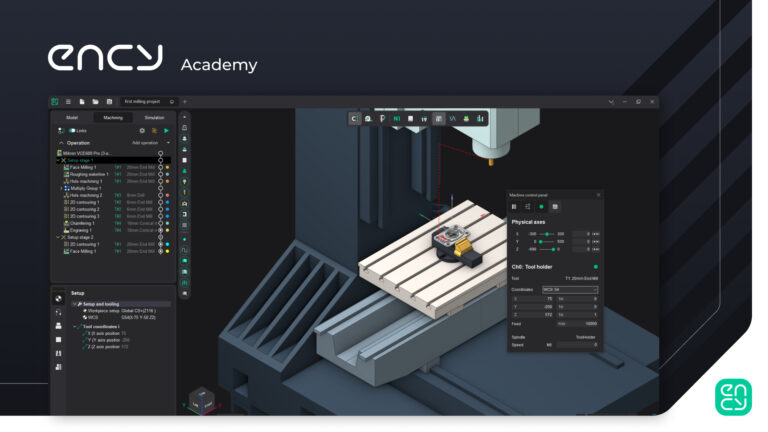
Understanding ENCY’s Interface
Lost in the interface? Start here, and learn the layout of ENCY.
Tier25 min3 lessons
Start course
For Anyone new to ENCY — start here
Starting from zero. Get comfortable with the ENCY interface, learn how to import models and design your own parts, and finish with the basics of tooling. By the end you can navigate the software and prepare a job.
The path
Lost in the interface? Start here, and learn the layout of ENCY.
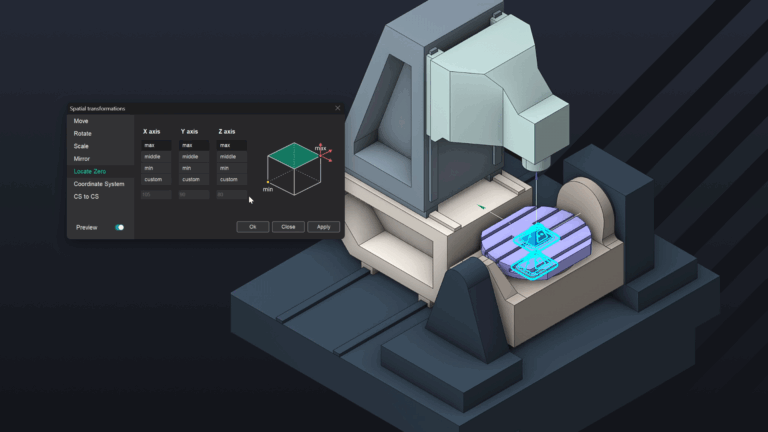
Having trouble getting a model into your CAM project? Let's fix that.
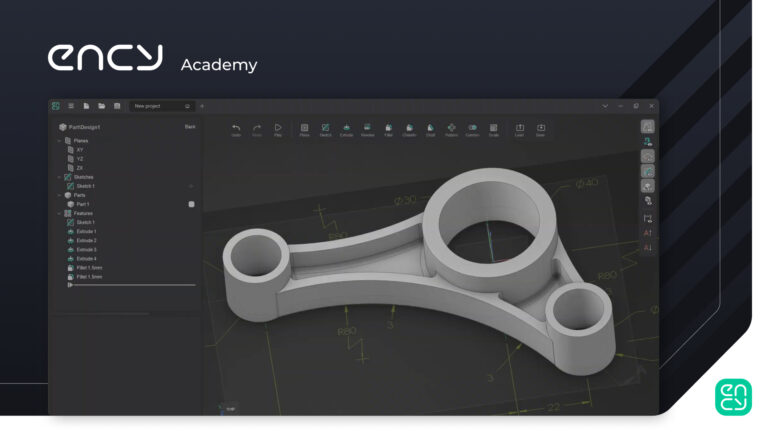
Learn how to sketch and model parts from scratch
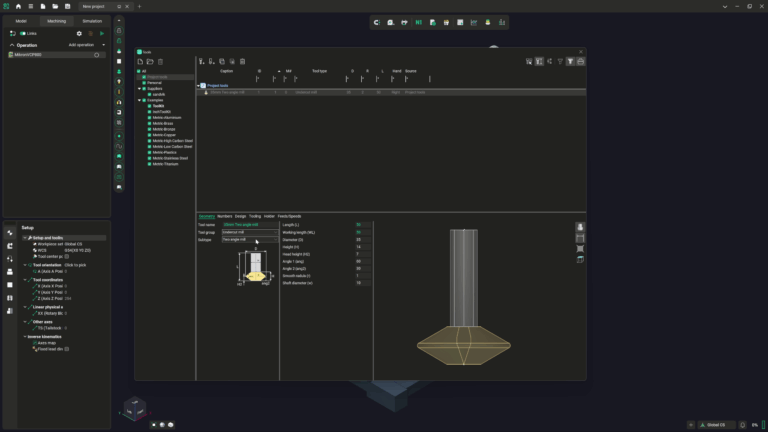
Tooling - there's a lot of it out there, and ENCY has you covered. We're going to take a look at the options we have at our disposal, so you can get up and running with your project as easily as possible
Side quests
Useful if you want to go wider — these aren't required to complete the pathway.
 Free
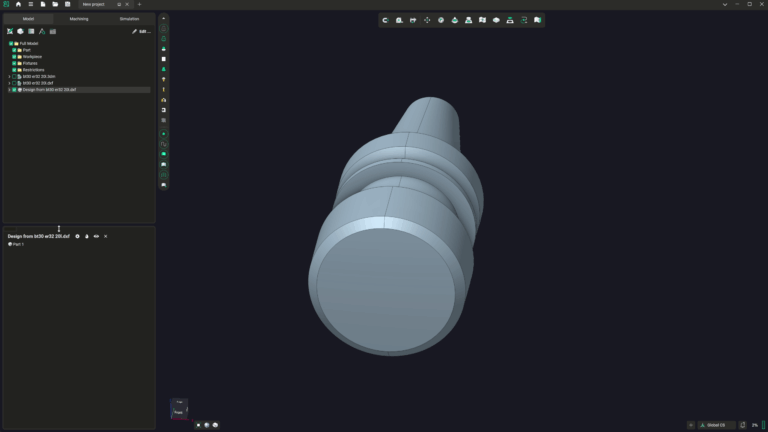
FreeToolholders - an often overlooked part of setting up a machining job, but one that's at the heart of making sure that your operations are planned and executed accurately. Let's dive in to working out how to set them up!
Updated 31 Mar 2026
 Free
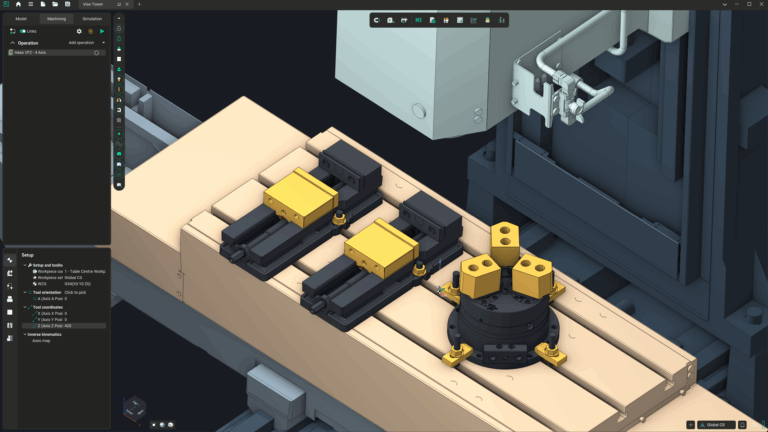
FreeIn fear of fixturing? Worry no longer - This course will show you everything you need to solve all your workholding woes!
Updated 31 Mar 2026