Sign in to watch this lesson

Setting up a spindle chuck and workholding kinematics is part of MachineMaker: Building a Dual-Turret Lathe. Sign in with your ENCY account to access lessons, assignments and progress tracking.

Sign in

Read the lesson

Read the full text version — the video itself requires sign-in.

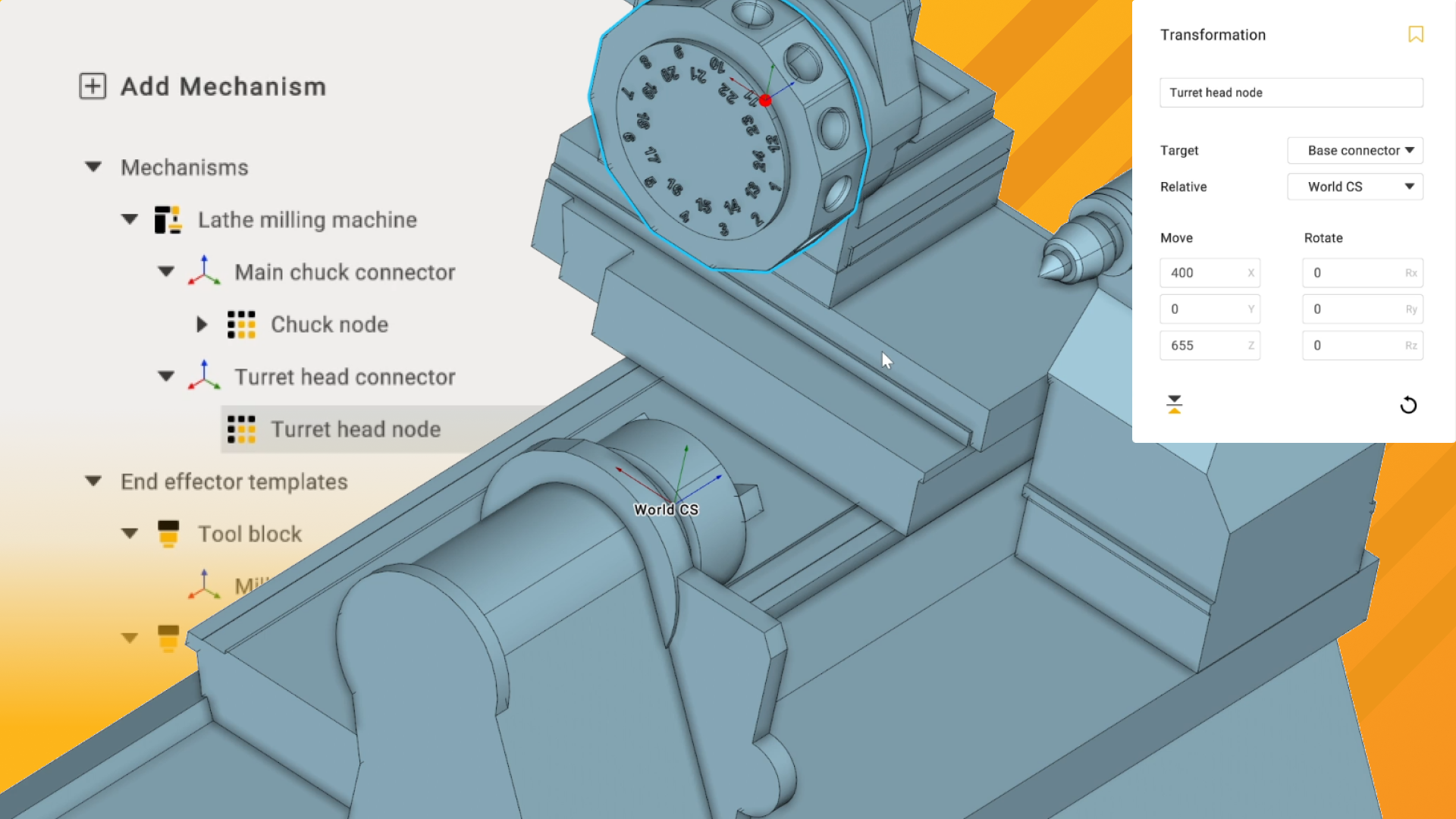
Hi there, in this video we're going to import and set up the lathe chuck, including defining and limiting the chuck jaw range of motion. I'm going to click on apply to exit that tab, and we'll implement the chuck by double-clicking on the chuck node here, which opens the file import window. We want to select the chuck body and the chuck jaw, then click on open. Since we defined the connection point earlier, our chuck is already in the right position, which is great.

However, we still need to define the rotary axis and the jaw here. I'm going to zoom in slightly and click on rotary axis for the body of the chuck and jaw for the jaw, as expected. Again, not clicking apply yet, I'm going to click on kinematic, and if we zoom in here, we can see that the bearing face for the rotary axis defines the center of rotation for the simulation and is currently set to the rear of the chuck itself and onto the mounting face, so this is exactly where we need it. However, as with defining any kind of attachment base in MachineMaker, this can be moved if needed by holding down control and click-dragging it to the appropriate place.

Moving on to the jaw, we need to define the range of motion for this, and as we can see, it is currently set to move in the incorrect axis, so we'll configure the axis to the right direction now, which is the Y direction. We're going to limit this range of motion a bit, so I'm setting it to minus 25 and zero, because we could probably allow the chuck jaws to move in a bit further than this. But we'll set it for now because zero is a nice, easy value to retain. I'm going to click on simulation before we proceed and click on demo to ensure there's no unexpected offset rotation with the chuck and that the jaws move in and out smoothly as we expect.

Now that we've defined that, in the next video, we'll take a look at the more in-depth topic of setting up tool blocks and the turret head, which is a bit more involved and will take more time than this. So, I'll see you then.