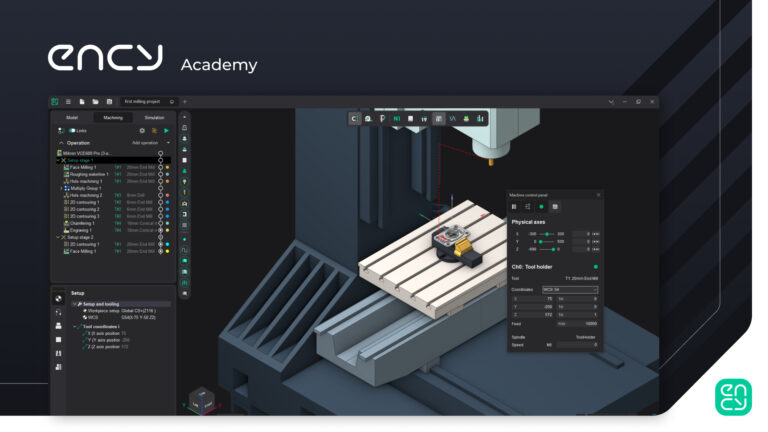
Understanding ENCY’s Interface

Lost in the interface? Start here, and learn the layout of ENCY.

3 lessons25 minTier 114 languages
Sign in to enroll

About course

This first course provides an outline of the main working spaces with ENCY, along with an overview of the interface elements. 

Author

Files

Gerry Grainger

No files available

You’re good to go—no downloads needed.

Gerry Grainger

Training content producer

Languages

العربيةDeutschEnglishEspañolFrançaisעבריתहिन्दीItaliano日本語한국어NederlandsPolskiPortuguês中文

Take the course and get a certificate!

Add this certificate to your resume to demonstrate your skills and increase your chances of getting noticed.
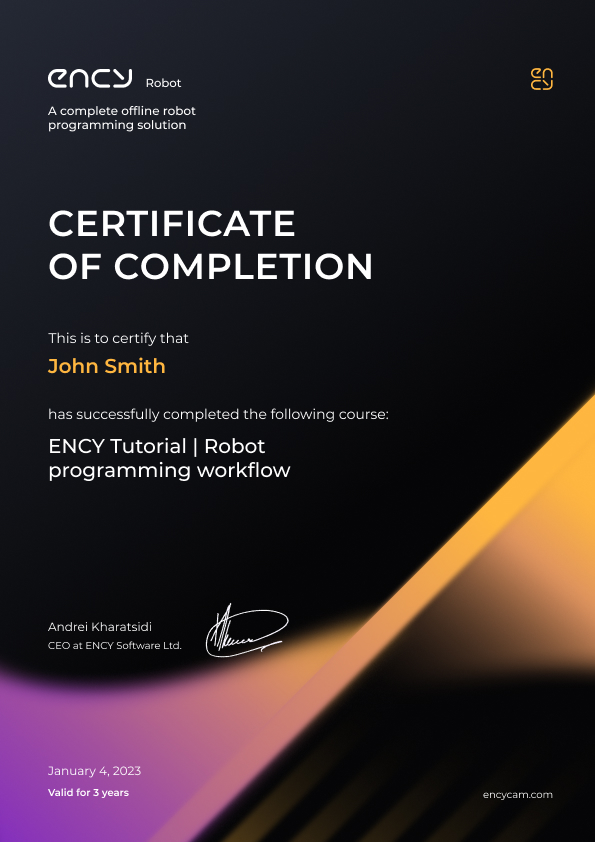
Certificate preview

Lessons

3 lessons to go

  1. 1Model workspaceExplore the model space in ENCY, focusing on the folder structure, part importation, and selection tools. Understand visibility controls, properties management, and the use of standard selection tools for points, curves, and faces. Learn about essential features like smart snap, measurement tools, and spatial transformations for effective part setup and manipulation.Video lesson
  2. 2Machining WorkspaceExplore the machining workspace, focusing on the operations list, setup parameters, and tool details. Understand how to define workpieces, manage fixture settings, and utilize measurement tools for precise geometry analysis. Learn to generate g-code, verify machine control, and assess tool reach for effective milling and turning operations.Video lesson
  3. 3Simulation WorkspaceThe simulation workspace in ENCY allows users to monitor operation statuses and switch between design and operations views. Key features include simulation speed control, step-through navigation, G-code simulation for accuracy, and tools for managing simulation parameters and visualizing machining processes. Users can also identify operation statuses through color-coded nodes indicating success or issues.Video lesson

Course discussion

Loading discussion…

0/6000