MachineMaker: Building a Dual-Turret Lathe

Lathes - they make our world go round: let's find out how to make them do so!

3 lessons20 minsTier 314 languages
Sign in to enroll

About course

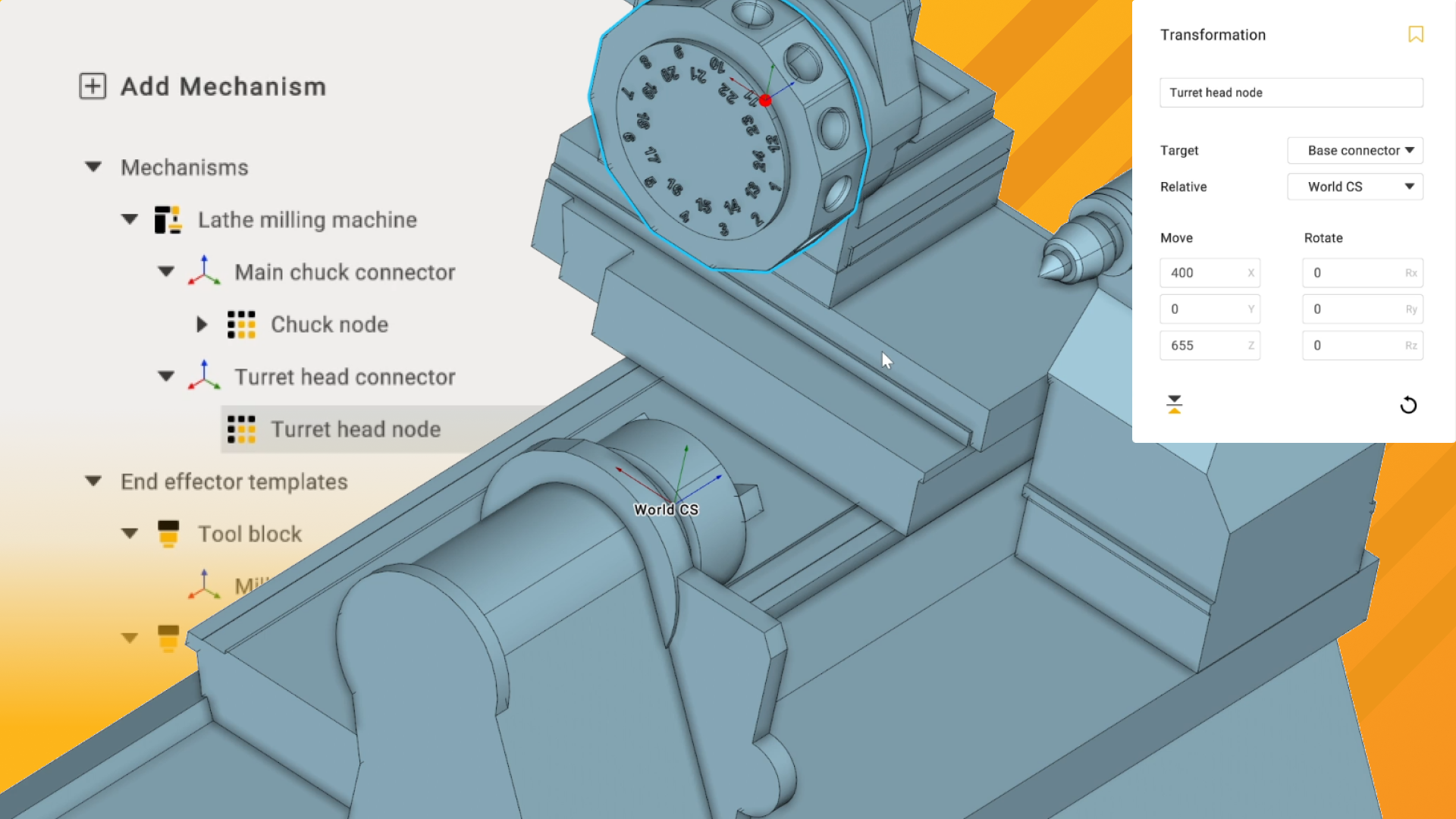
This course will cover the process of importing prepared OSD models to construct a lathe with a dual-row tool turret. Over the series of videos, you'll learn how to apply connector points for sub-nodes in the machine setup, apply kinematic limits to chuck jaws and apply first and second row mounting points for live and static tools on the turret.

The files for this project can be downloaded from here 

Author

Files

Gerry Grainger

No files available

You’re good to go—no downloads needed.

Gerry Grainger

Training content producer

Languages

العربيةDeutschEnglishEspañolFrançaisעבריתहिन्दीItaliano日本語한국어NederlandsPolskiPortuguês中文

Lessons

3 lessons to go

  1. 1Importing and rigging our OSD modelsSet up a mill turn machine using the OSD file format by importing necessary components and defining joints for the lathe milling machine. Configure axial limits and connection points for the chuck and tool turret to ensure proper functionality. Verify travel ranges through simulation before proceeding to the next setup phase.Video lesson
  2. 2Setting up a spindle chuck and workholding kinematicsImport and set up the lathe chuck by defining the rotary axis and jaw motion limits. Configure the chuck jaws to move along the correct axis and establish their range of motion. Verify the setup through simulation to ensure proper functionality before proceeding to tool block and turret head configuration.Video lesson
  3. 3Setting up the tool turretDefine cutting tool blocks and turret heads for milling and lathe tools, ensuring correct placement and orientation. Adjust kinematics and joint settings, and configure dual-row tooling in a 24-tool turret. This process facilitates the setup of an urn milling machine with both live and static tooling.Video lesson

Course discussion

Loading discussion…

0/6000