Importing models

Having trouble getting a model into your CAM project? Let's fix that.

1 lesson12 minTier 114 languages
Sign in to enroll

About course

Let's be honest -without some kind of geometry data, no-one is going to get anything done in our CAM software. As great as the CAD module is, sometimes we need to bring in things that are more complex: in this video, we're going to cover the process of importing your CAD models into ENCY, ready for machining.

Author

Files

Gerry Grainger

No files available

You’re good to go—no downloads needed.

Gerry Grainger

Training content producer

Languages

العربيةDeutschEnglishEspañolFrançaisעבריתहिन्दीItaliano日本語한국어NederlandsPolskiPortuguês中文

Lessons

1 lessons to go

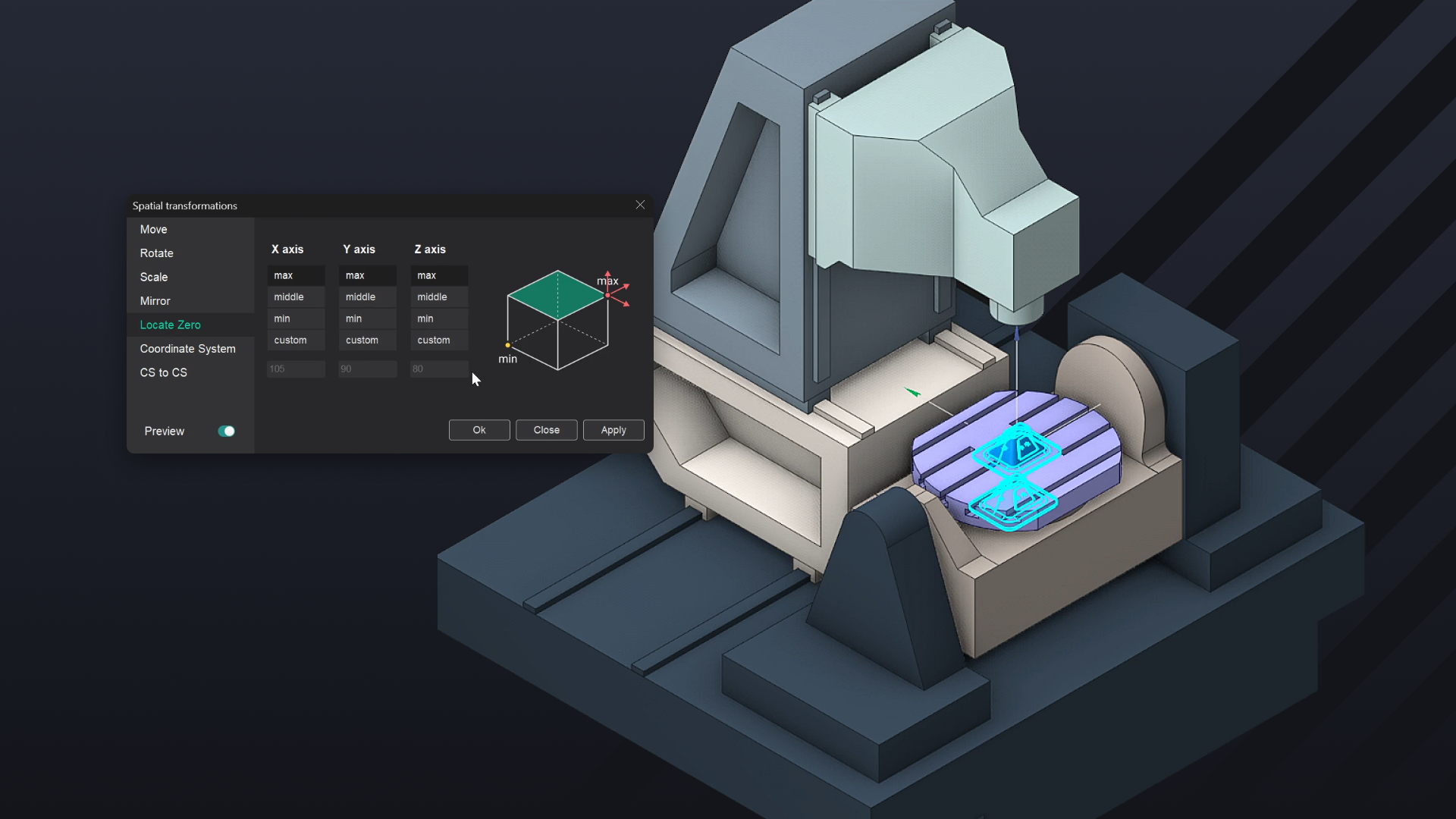
  1. 1Importing CAD ModelsImport pre-made models into ENCY using standard CAD formats, including Parasolid, iGES, 3DM, and mesh models. Utilize spatial transformations for model adjustments, including movement, rotation, scaling, and mirroring, while defining coordinate systems for accurate placement. Explore tools like "Locate Zero" to establish reference points and ensure proper model orientation within the workspace.Video lesson

Course discussion

Loading discussion…

0/6000