ENCY Milling – Hole Machining

Holes - they're everywhere, and they're super useful. Here's an overview of how ENCY makes and manages them.

2 lessons30Tier 214 languages
Sign in to enroll

About course

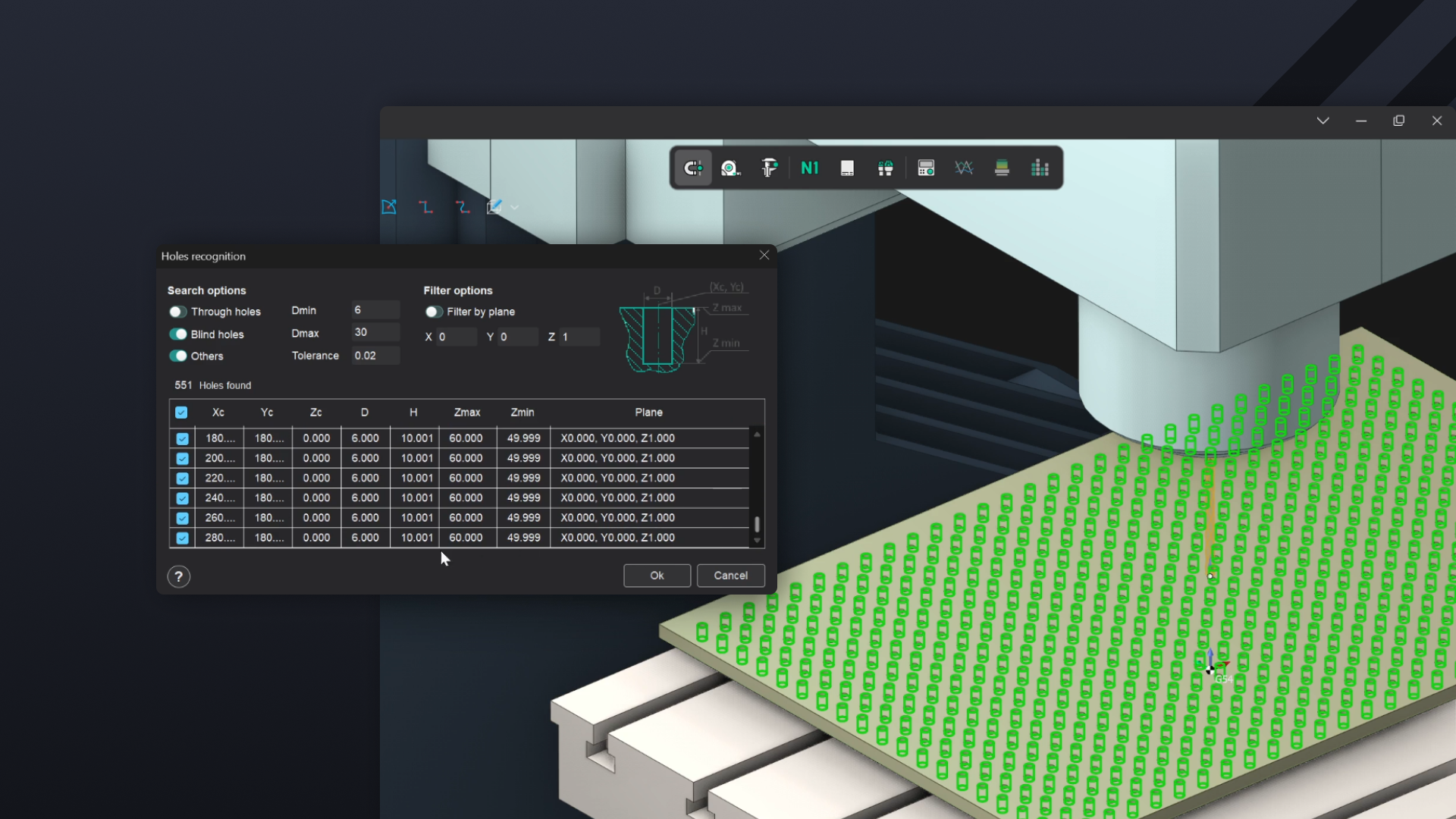
This mini-course offers a demonstration of the hole machining options available in ENCY. The first video emphasises the auto-detection tools available for large arrays of holes for drilling and tapping, while the second video outlines the process of helical boring and thread milling.

While they're not exhaustive, these videos are a great way of dipping your toe into the tools that ENCY presents for hole milling operations, and should give you a running start to be able to integrate these operations into your own projects.

Further information can be found in the ENCY user manual here: https://docs.encycam.com/ENCY/1/en/10100.html

Author

Files

Gerry Grainger

No files available

You’re good to go—no downloads needed.

Gerry Grainger

Training content producer

Languages

العربيةDeutschEnglishEspañolFrançaisעבריתहिन्दीItaliano日本語한국어NederlandsPolskiPortuguês中文

Lessons

2 lessons to go

  1. 1Automatic Hole Recognition, Drilling and Tapping cyclesExplore drilling functionality in ENCY, focusing on auto recognition tools for hole machining. Learn to import parts, define drilling operations, and utilize chip removal strategies for efficient machining. The course also covers tapping operations, including tool selection and simulation techniques for effective hole processing.Video lesson
  2. 2Hole Pocketing and Thread MillingThis course covers advanced hole machining techniques, including drilling, hole pocketing, and multi-start thread milling. Participants learn to select appropriate tools, define machining parameters, and generate toolpaths for various bore types. Emphasis is placed on optimizing operations for efficiency and precision in CAM/CAD environments.Video lesson

Course discussion

Loading discussion…

0/6000