4-Axis Milling

4-Axis machining: don't let the concept turn you over: with ENCY it's easy!

6 lessons1hrTier 314 languages
Sign in to enroll

About course

This video course covers the use of 4-axis machining, using a few different methods to do so. With this project, we'll cover indexed use of 2D and 3D operations, along with 4D surfacing and 4D contouring operations. The part looks simple, but we will need to use almost everything we've learned so far to really do the best we can with it.

Using the supplied Tool List and Project file, you can work through alongside the video to get to grips with a range of 4-axis operations.


Author

Files

Gerry Grainger

Used in the course — download before starting:

Gerry Grainger

Training content producer

Languages

العربيةDeutschEnglishEspañolFrançaisעבריתहिन्दीItaliano日本語한국어NederlandsPolskiPortuguês中文

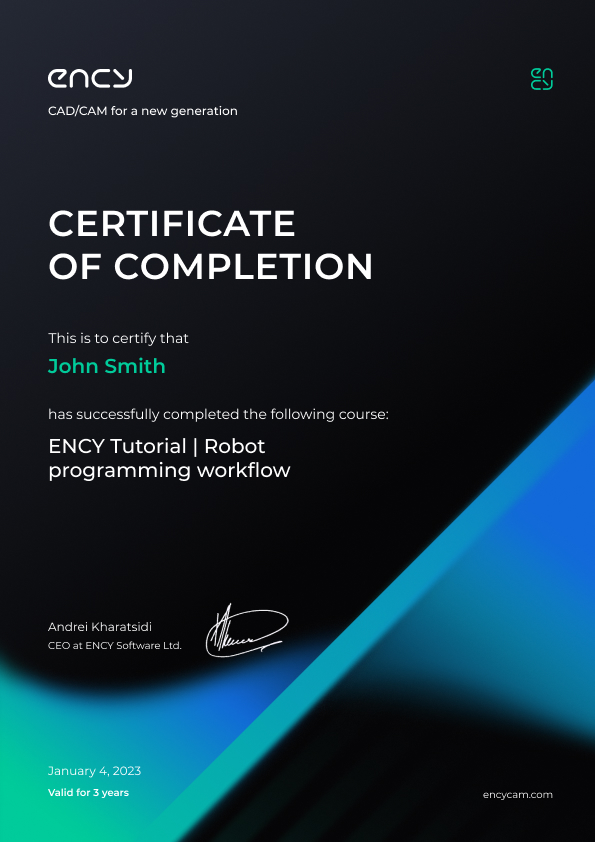
Take the course and get a certificate!

Add this certificate to your resume to demonstrate your skills and increase your chances of getting noticed.

Certificate preview

Lessons

6 lessons to go

  1. 1Initial Setup and Roughing OperationThis project focuses on 4-axis milling to machine a clevis from a single material block, emphasizing indexed and continuous interpolated machining techniques. Participants learn to manage machine visibility for a clearer workspace, perform indexed roughing using waterline strategies, and apply transformations for toolpath duplication on both sides of the part.Video lesson
  2. 2Face Cleanup and BoringCleans up flat surfaces using 2D contouring and finishing plane operations with a 10 mm end mill. Adjusts toolpath parameters, including depth levels and compensation directions, to ensure precise machining. Simulates operations to verify toolpath effectiveness and checks for material removal accuracy.Video lesson
  3. 34D SurfacingThis module covers the execution of a 4D surfacing operation on a 4-axis milling machine, focusing on defining machining surfaces and curves. It demonstrates toolpath generation, strategy adjustments for optimal surface finish, and the importance of tool orientation relative to the part geometry. Participants will also learn to refine machining parameters for enhanced detail and quality.Video lesson
  4. 4Edge Definition and CleanupCleans up lobe elements using 2D contouring operations with ball nose tools. Adjusts toolpath parameters, including bottom and top levels, and employs helical machining for efficiency. Verifies results through simulation and transformations to ensure clean finishes on curved and flat surfaces.Video lesson
  5. 5Face PocketingSlotting operations are performed on lobes by defining deep pockets using 2D pocketing techniques. The process includes setting top and bottom levels, selecting toolpath strategies, and adjusting parameters for vertical pockets. The lesson concludes with duplicating operations on opposite faces and ensuring toolpath integrity through simulation and verification.Video lesson
  6. 6Final TouchesChamfering techniques are demonstrated using both the built-in chamfering tool and 4D contouring for complex geometries. The session covers toolpath generation, simulation, and adjustments for optimal results, including the use of rotary axes and surface normals. Participants gain practical insights into effective chamfering strategies for various machining scenarios.Video lesson

Course discussion

Loading discussion…

0/6000